

Security
Your data, with the same rules as your SAP
Everyone sees and does only what their profile allows, and every change is recorded.


Your data, with the same rules as your SAP
Profiles and scope
Permissions by role and scope by person: a sales rep sees their customers, the manager sees the team.
Audit trail for every action
Who created, changed, approved or printed what and when, including what an AI assistant did.
Versioned legal
Terms, privacy and data agreement with version and fingerprint; everyone accepts the current one.
Two-factor authentication
One-time codes with your authenticator app; the company can require it for everyone.
Encrypted credentials
SAP passwords are stored encrypted with AES-256; with the Agent, they never leave your network.
Daily backup
A backup every day and, for your company, a downloadable backup of its data.
Profiles
Every role with its own permissions
- What it does
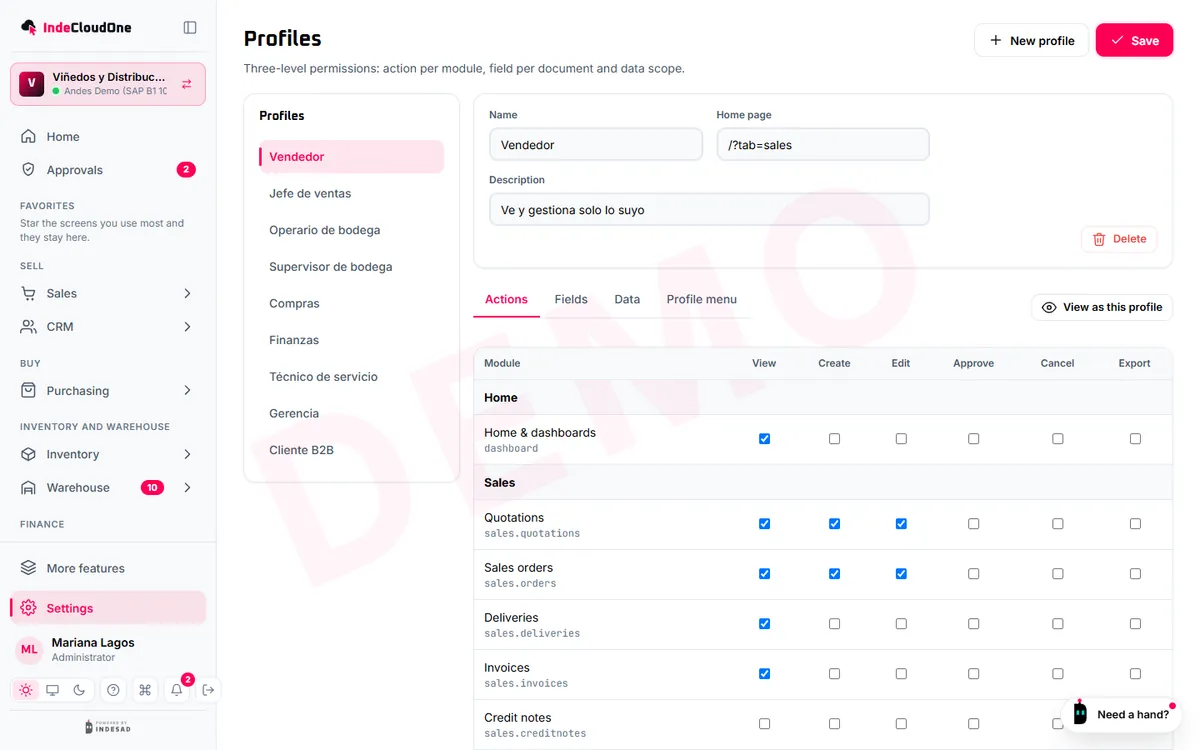
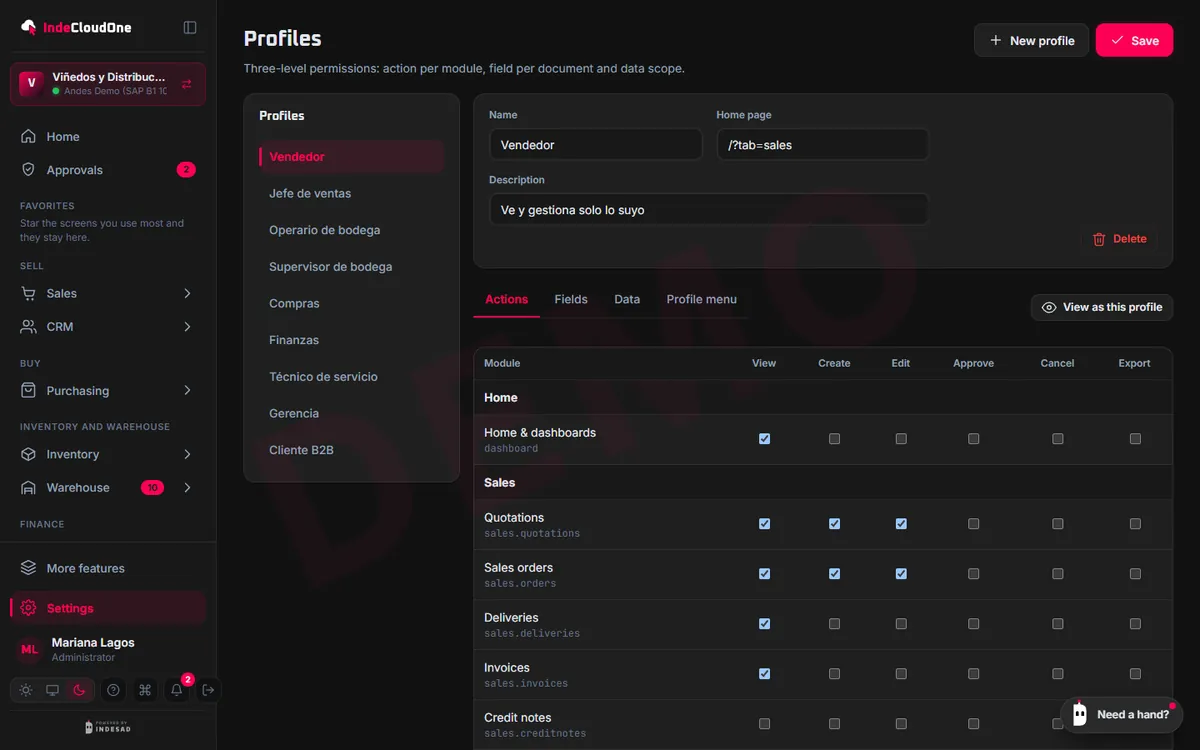
- Profiles with the permissions of each role: which modules it sees, which documents it creates, what it approves and exports.
- How it works
- Start from the suggested profiles
- Adjust permissions by module and action
- Assign a profile to each person
- Who it is for
- Company administrators.
AI assistants
AI follows your rules too
- What it does
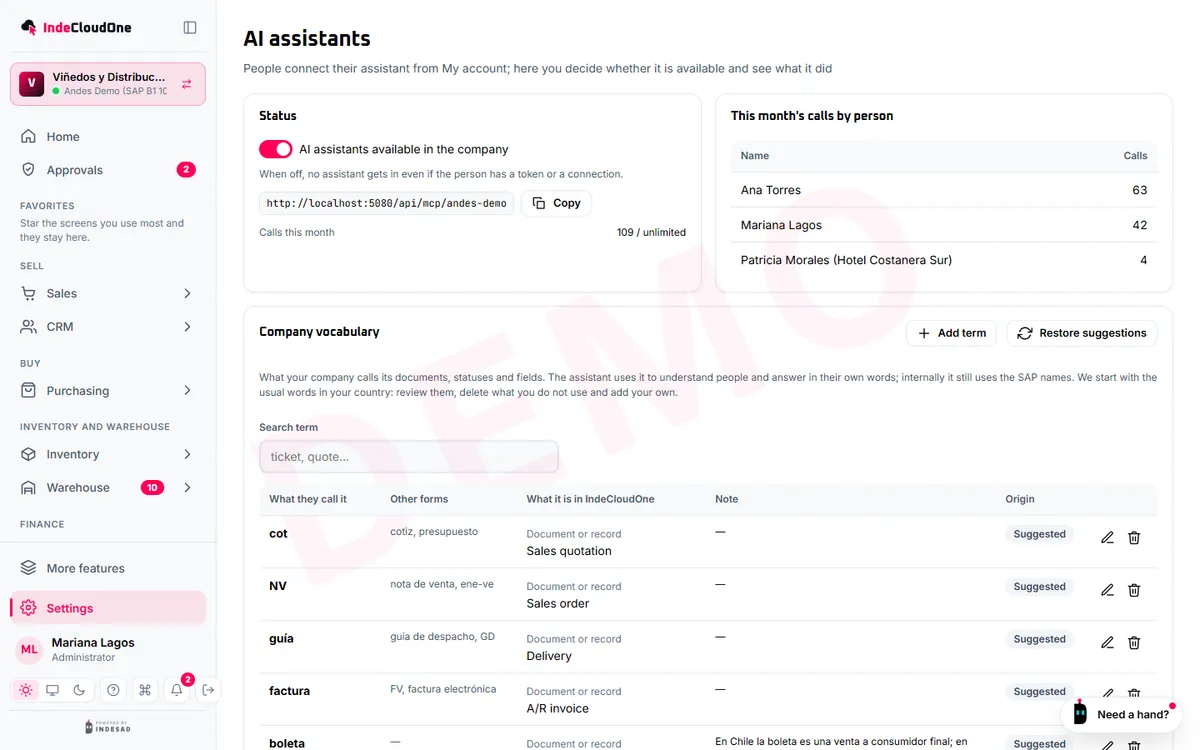
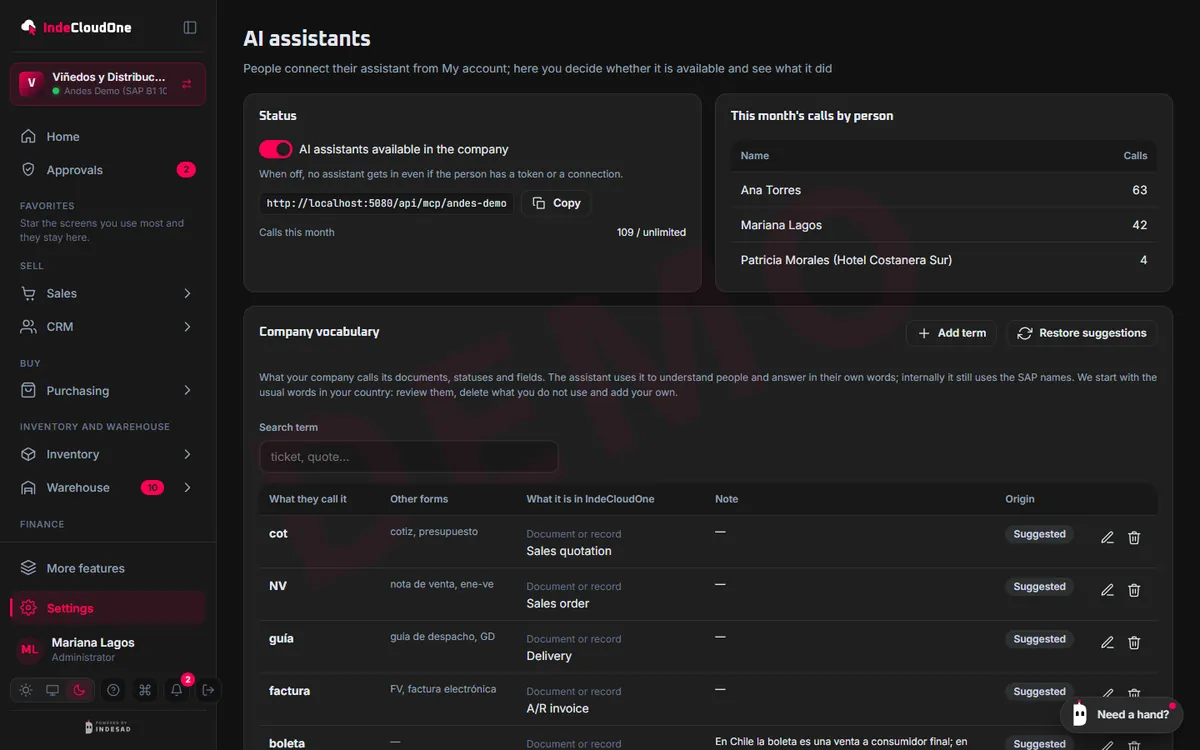
- Assistants work on a person's behalf, with that person's profile, and every action is in the audit trail.
- How it works
- Switched on per company
- Every document asks for confirmation
- Usage is visible per person
- Who it is for
- Administrators and security leads.
FAQ
What people ask us
Do I need an SAP license for each person?
IndeCloudOne connects to your SAP with one of your company’s users, and each person signs in with their IndeCloudOne account. Check the licensing terms of your contract with your SAP partner.
Does it work with SAP Business One on SQL Server and on HANA?
Yes. Through Service Layer or the Agent, IndeCloudOne works with both SAP Business One 10 databases.
What if my SAP runs on a server at my office?
You install the IndeCloudOne Agent on a Windows machine on your network. The Agent connects out to IndeCloudOne: no open ports and no exposed server.
Can INDESAD see my data?
Only to provide the service and support you, under the data processing agreement your company accepts. Every access is in the audit trail.
What exactly does the AI assistant do?
It queries your SAP with your permissions and, if you ask, prepares documents as drafts. Nothing is created in SAP without your confirmation, and your company decides whether it is used.
Can I take my data with me?
Your business data stays in your SAP. What belongs to IndeCloudOne (settings, profiles, audit trail) can be downloaded as a backup.
How long does onboarding take?
It depends on your SAP and your plan: each plan states the onboarding hours included. With Service Layer, the connection is tested the same day.
Which countries does it work in?
With SAP Business One from any country, in Spanish, English and Portuguese. In Chile it adds e-invoicing and the day’s rates.
Shall we see it with your SAP?
Try the demo now or ask for a guided demo with your own cases.