

Product
Your company's day-to-day, on SAP Business One
Every module uses SAP objects and names. The screenshots come from the real product, with a demo company.


Sales
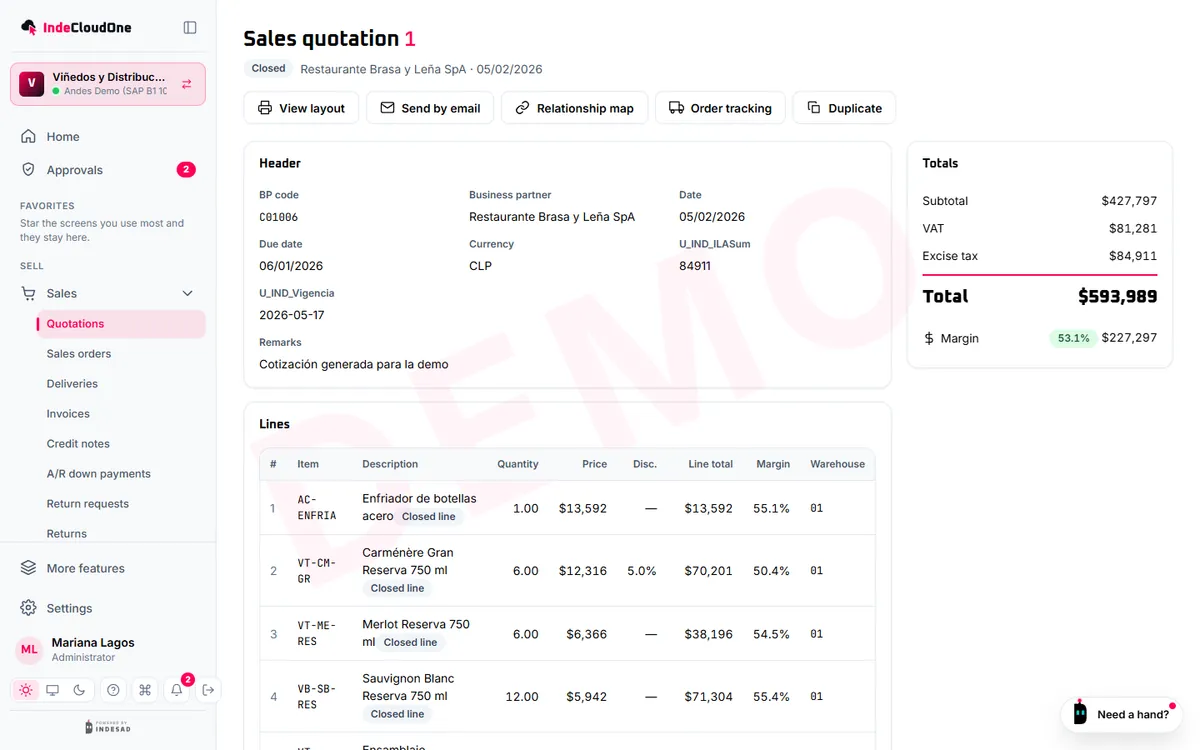
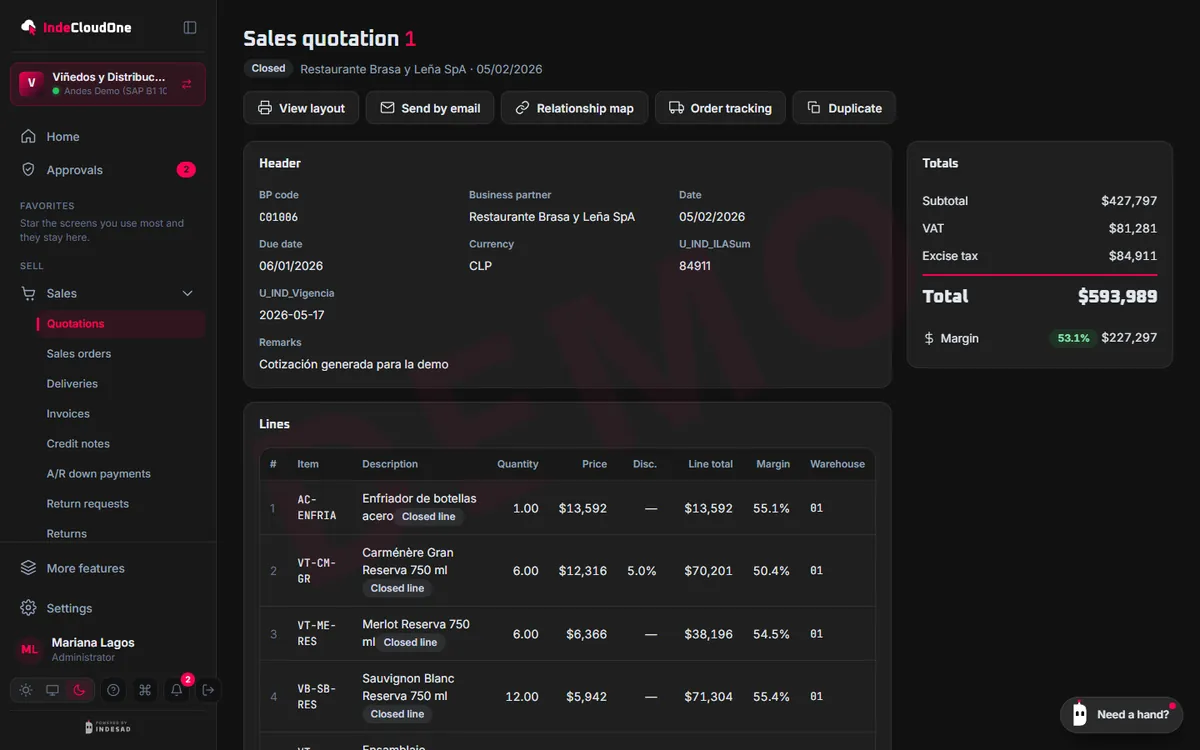
From quotation to invoice, without leaving the browser
- What it does
- SAP quotations, sales orders, deliveries and invoices with the customer's live prices, stock and terms.
- How it works
- The editor walks you through customer, items, details and review, and saves drafts
- Copy a quotation to a sales order or an invoice, just like in SAP
- Print with your own layout and email it from the document
- Who it is for
- Sales reps at the office or on the road, and sales managers following the team.
Warehouse
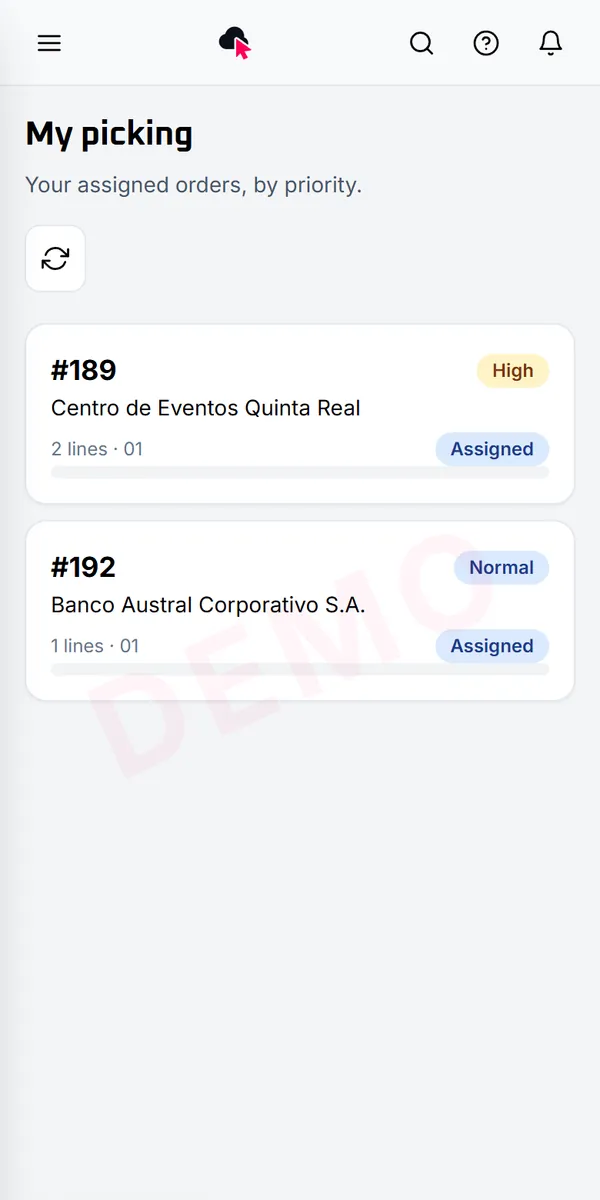
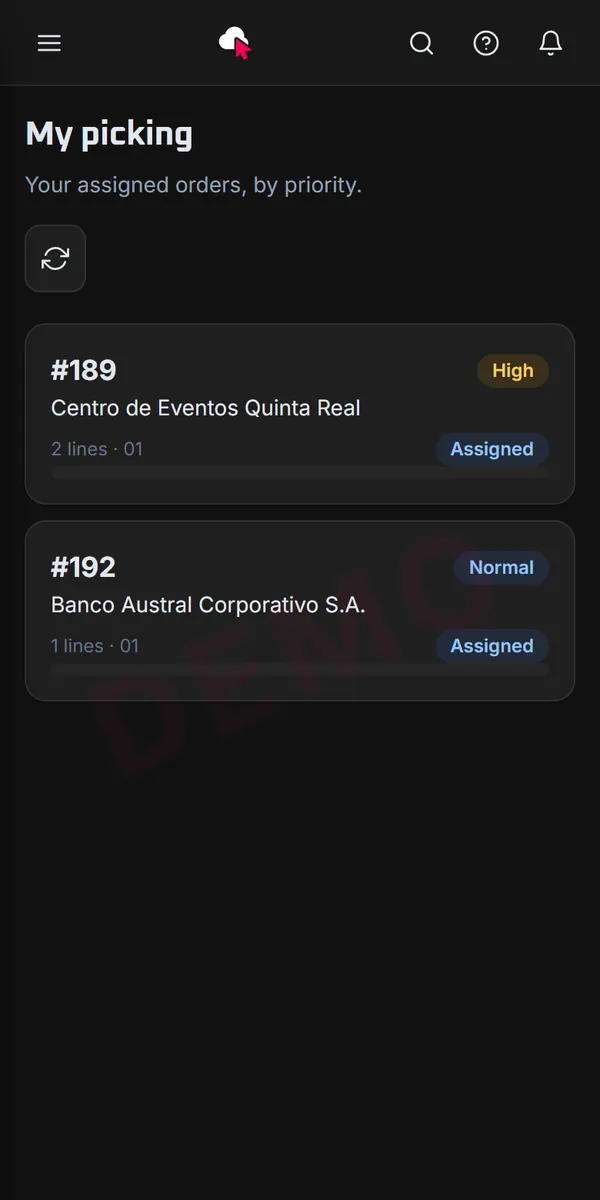
The warehouse works from the phone
- What it does
- Picking, receiving and transfers with a phone or a scanner, with orders sorted by priority.
- How it works
- The supervisor assigns orders and follows progress live
- The worker scans items, batches and serial numbers
- The delivery is posted to SAP when the order is closed
- Who it is for
- Warehouse supervisors and workers.
Approvals
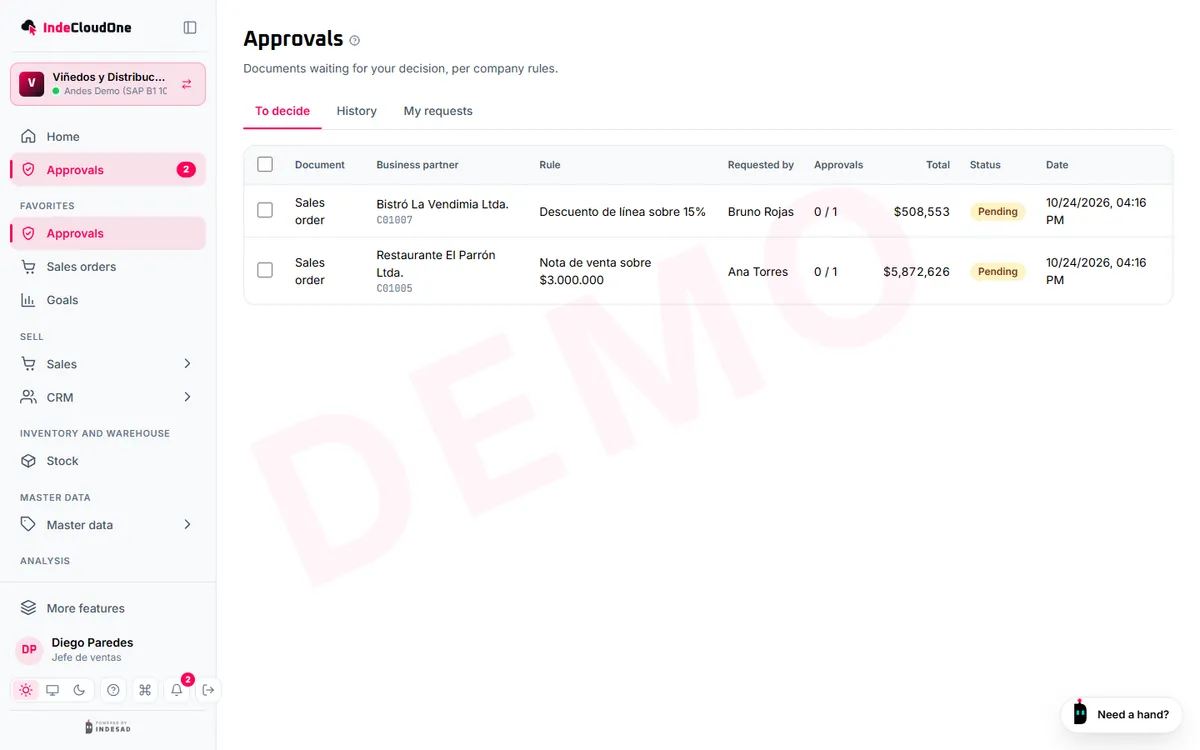
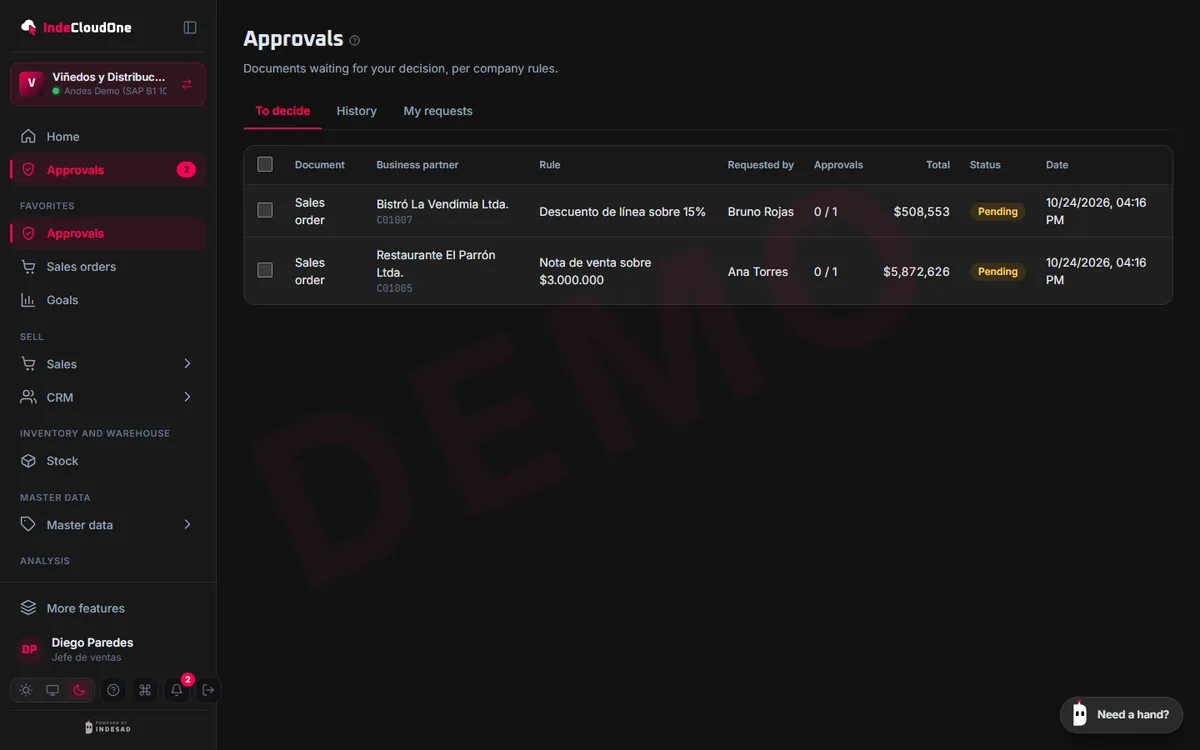
Approvals with rules, not emails
- What it does
- Rules by amount, discount or margin hold the document until someone with permission approves it.
- How it works
- The manager sees the reason for each approval and decides from the phone
- Whoever asked is notified right away
- Once approved, the document moves on to SAP
- Who it is for
- Managers, leadership and finance.
Field service
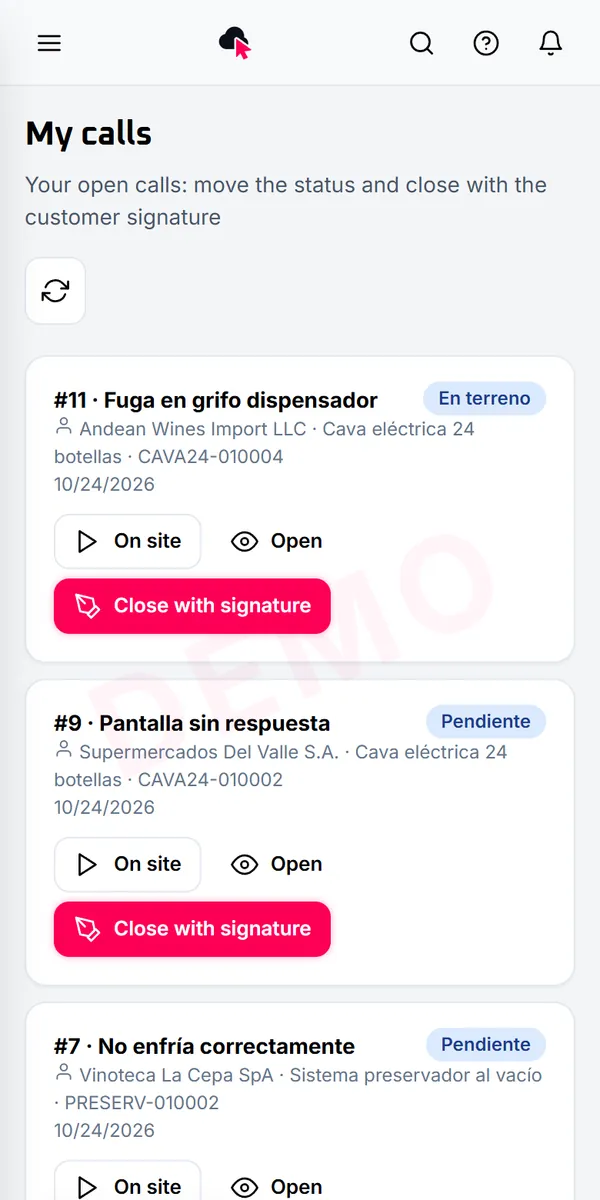
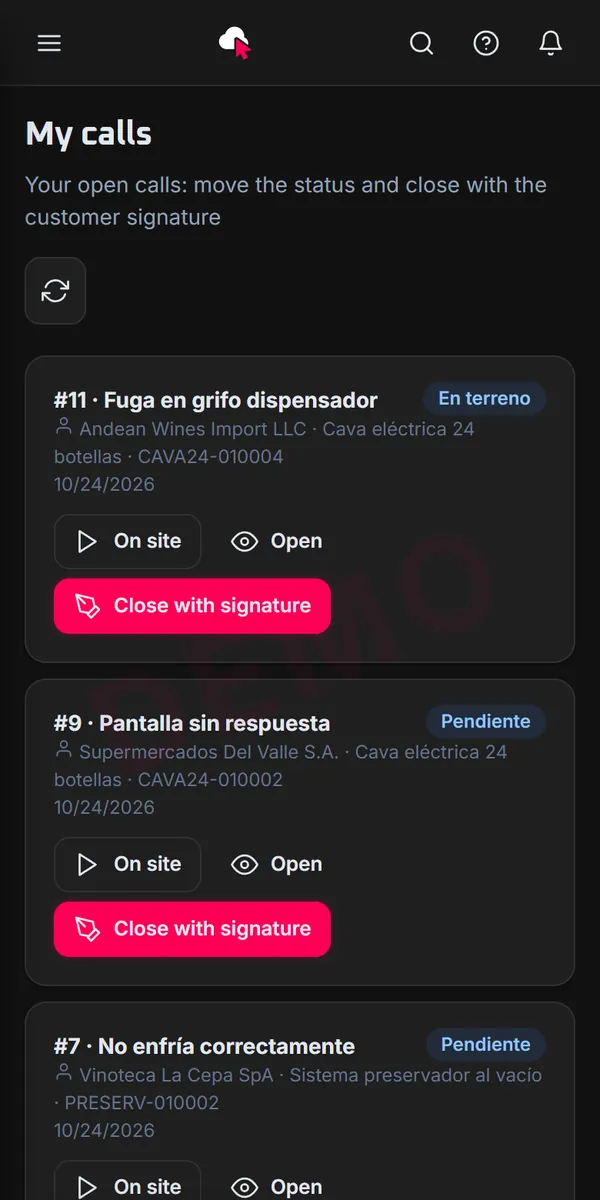
Technicians carry their calls in their pocket
- What it does
- SAP service calls, equipment cards and contracts, with each technician's schedule.
- How it works
- The technician sees today’s calls and logs what was done
- Attach photos and close the call on site
- The customer and the office see the status right away
- Who it is for
- Technicians, service coordinators and after-sales.
CRM
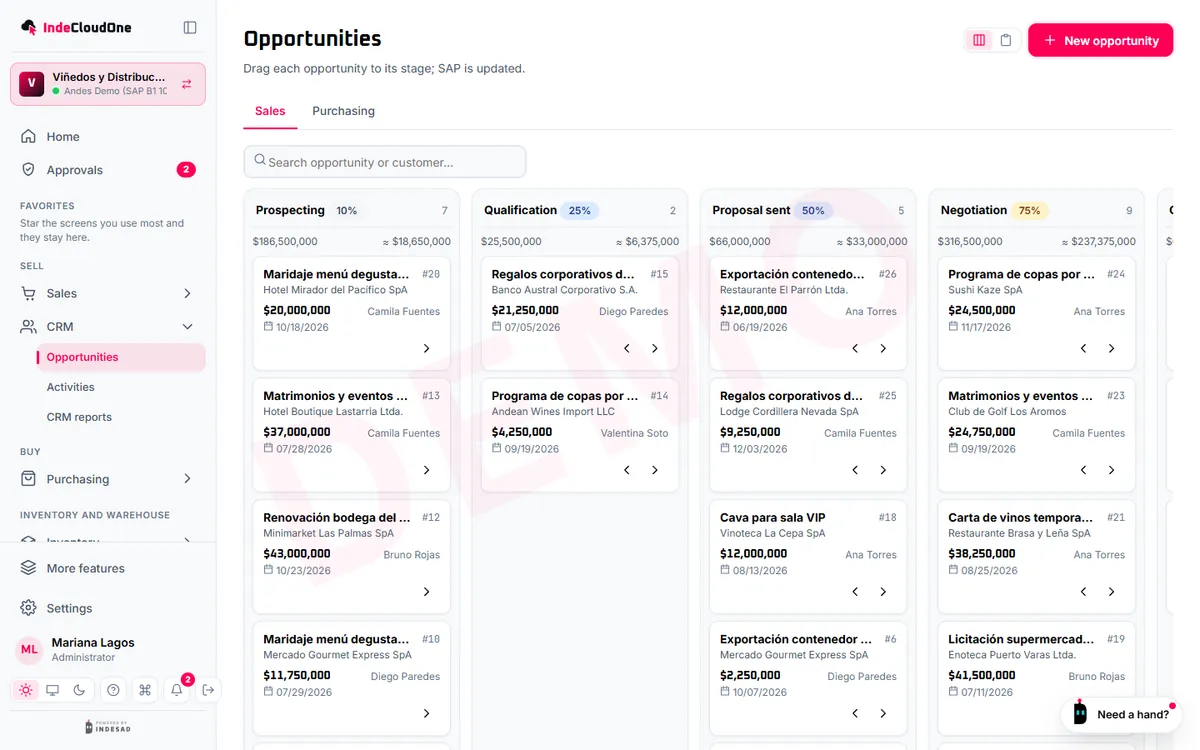
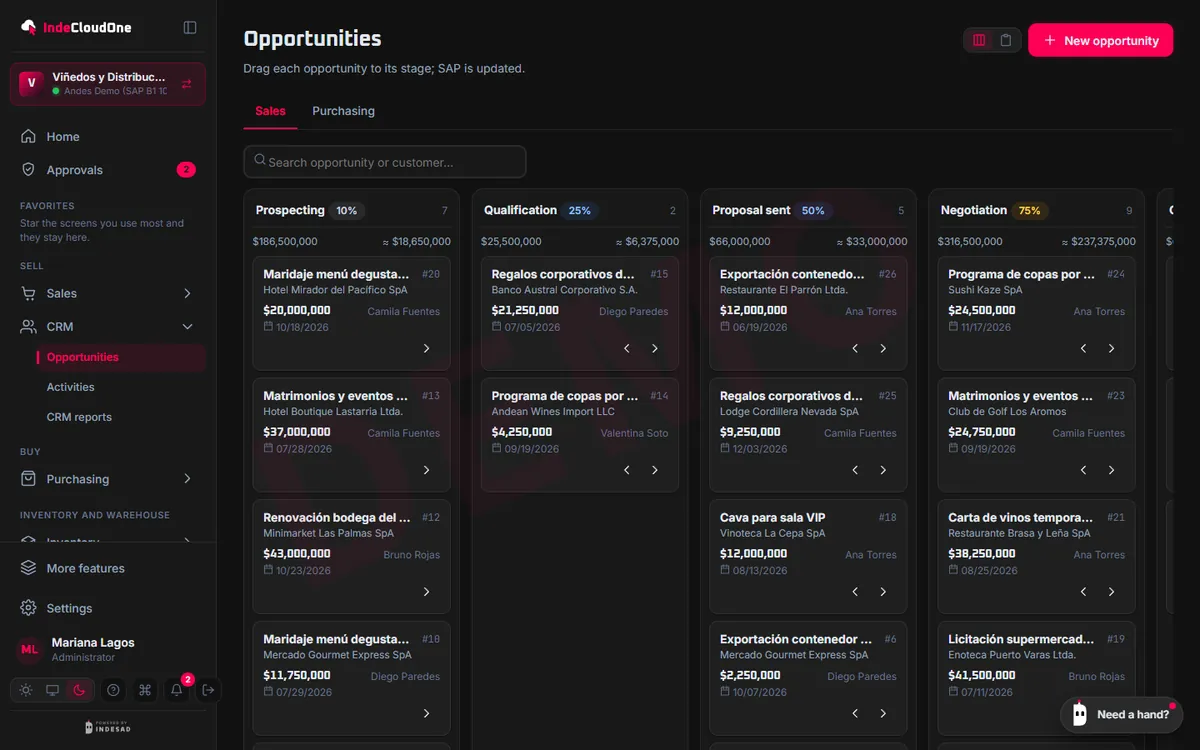
Opportunities and activities, SAP's own
- What it does
- SAP sales opportunities by stage, with activities, reminders and targets per sales rep.
- How it works
- Drag the opportunity to the next stage
- Schedule calls and meetings
- Measure the pipeline and the team's targets
- Who it is for
- Sales teams.
Collections and banking
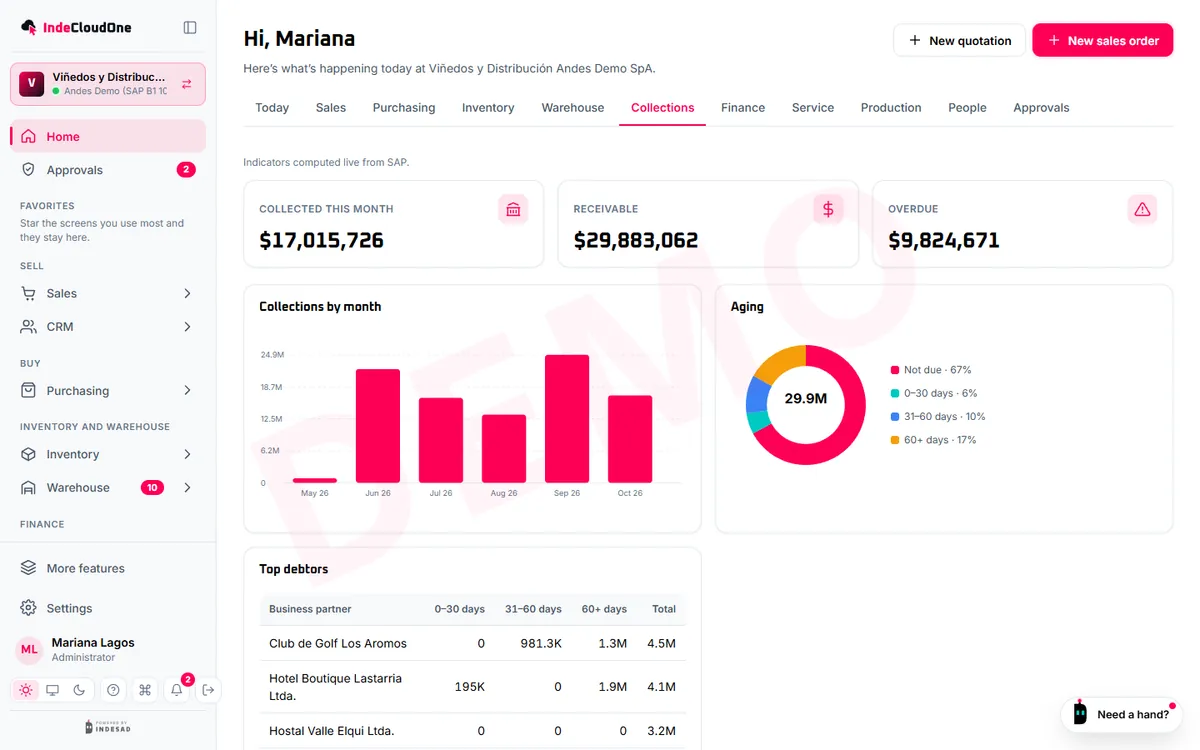
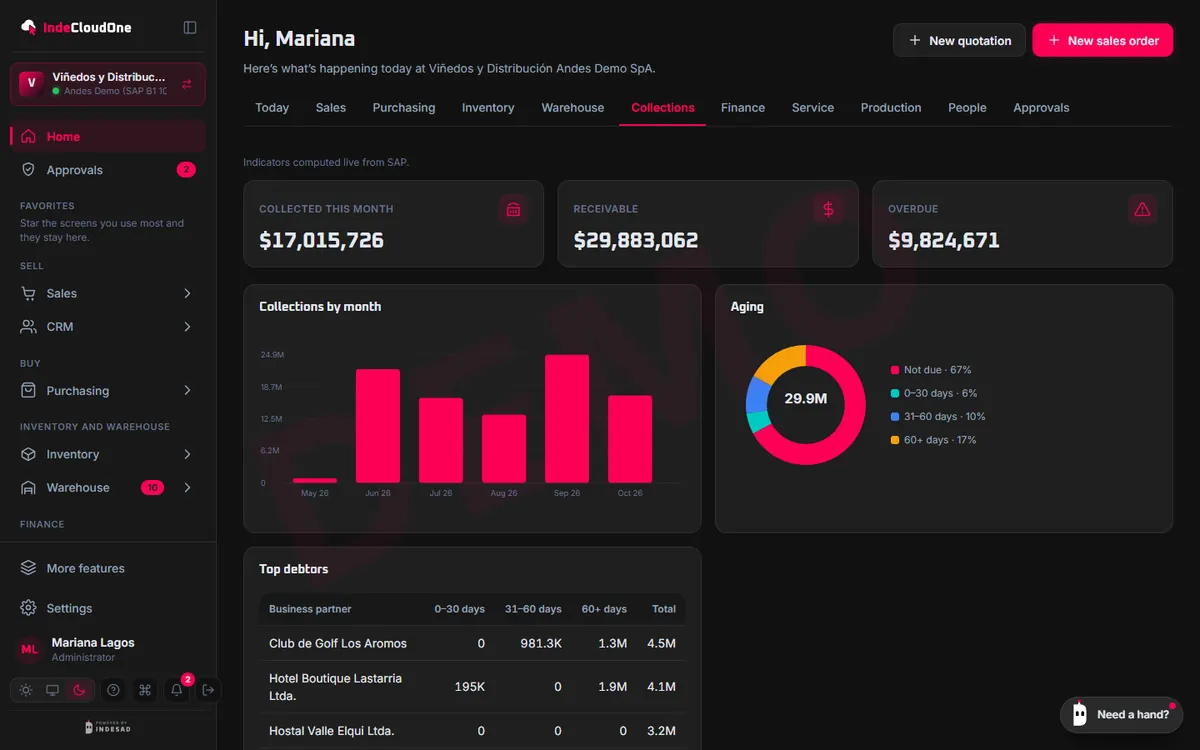
Collections up to date
- What it does
- Overdue and upcoming documents, incoming and outgoing payments, and reconciliation, on SAP data.
- How it works
- See what to collect today, by customer
- Record payments and reconcile
- Send the customer a payment link
- Who it is for
- Finance and collections.
Reports
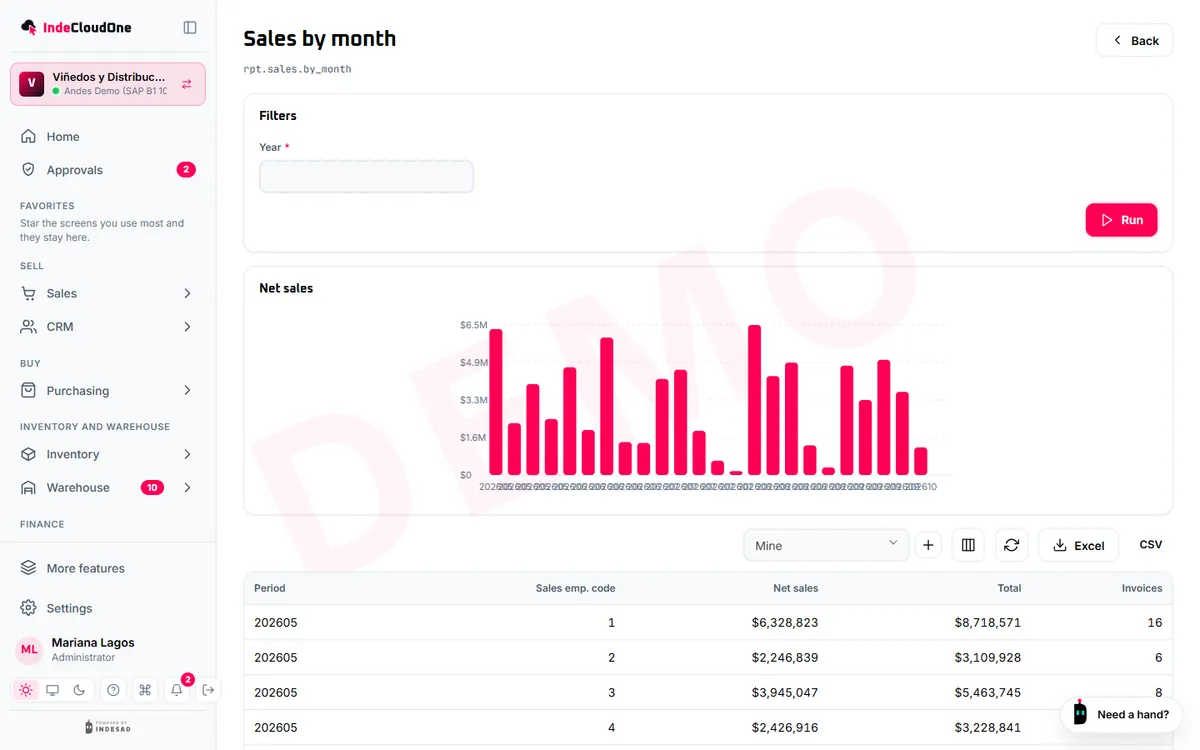
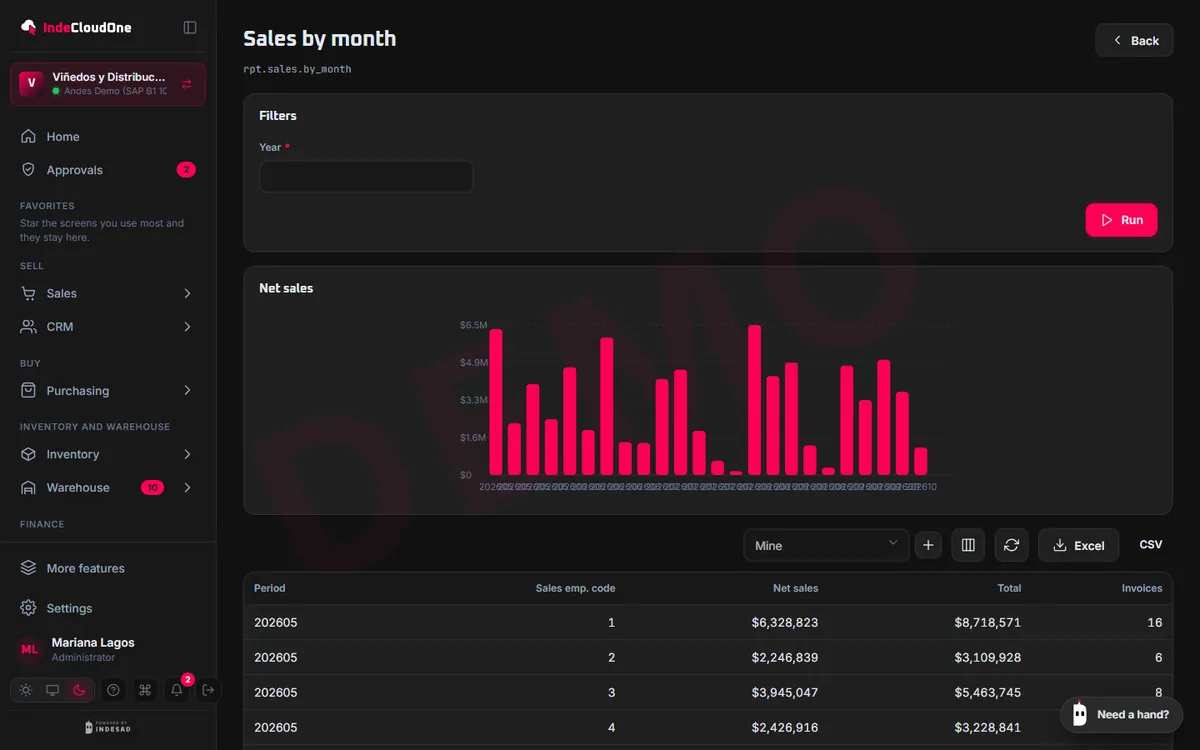
Dashboards and reports without asking IT
- What it does
- Dashboards by area, reports with filters and Excel export, and your Crystal Reports if you already have them.
- How it works
- Each dashboard opens with the data your profile allows
- Filter, sort and export
- Set targets per sales rep
- Who it is for
- Leadership and managers.
B2B portal
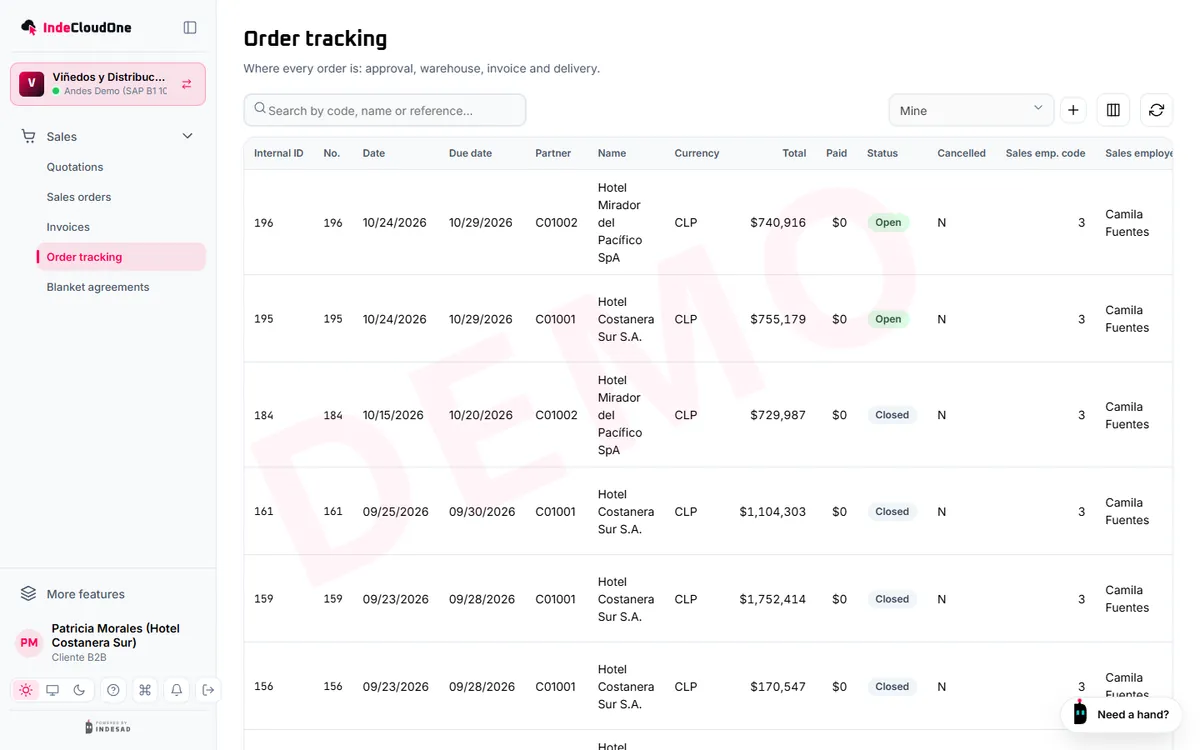
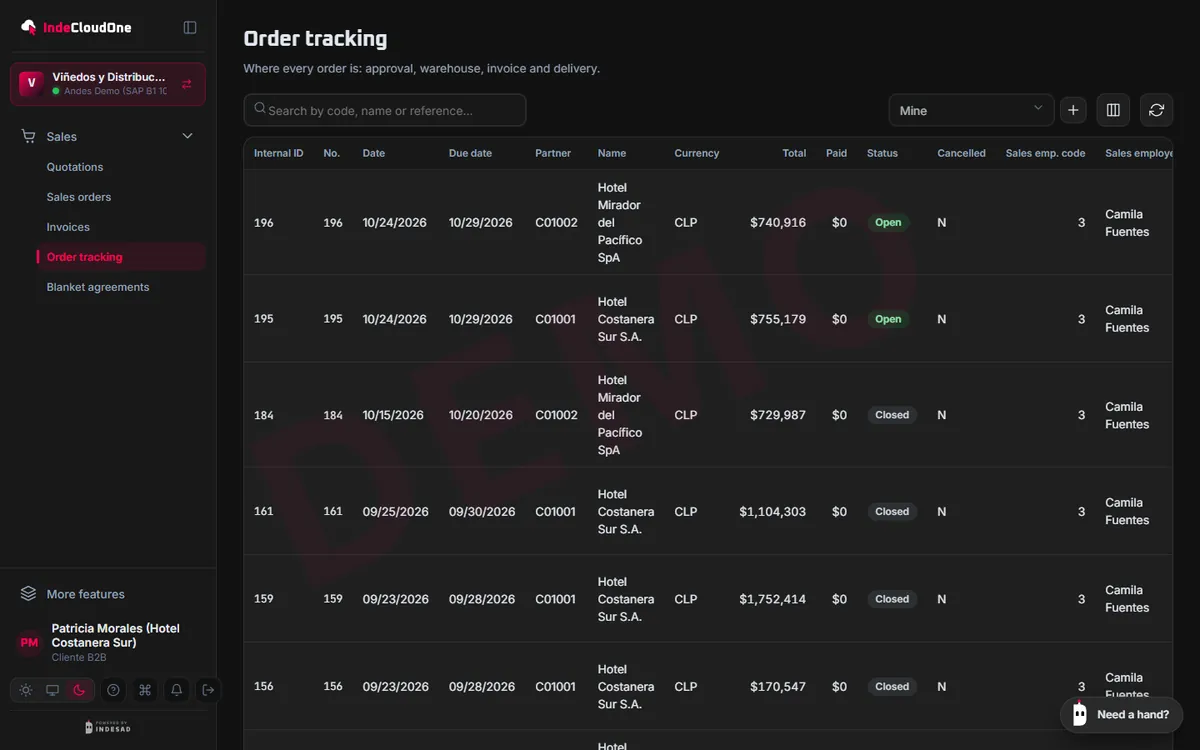
Your customers follow their orders on their own
- What it does
- Access for your customers to their orders, deliveries and invoices, without seeing anyone else’s.
- How it works
- Invite your customer by email
- They see the status of each order and download their documents
- No more calls to ask
- Who it is for
- Your company's customers.
Manufacturing
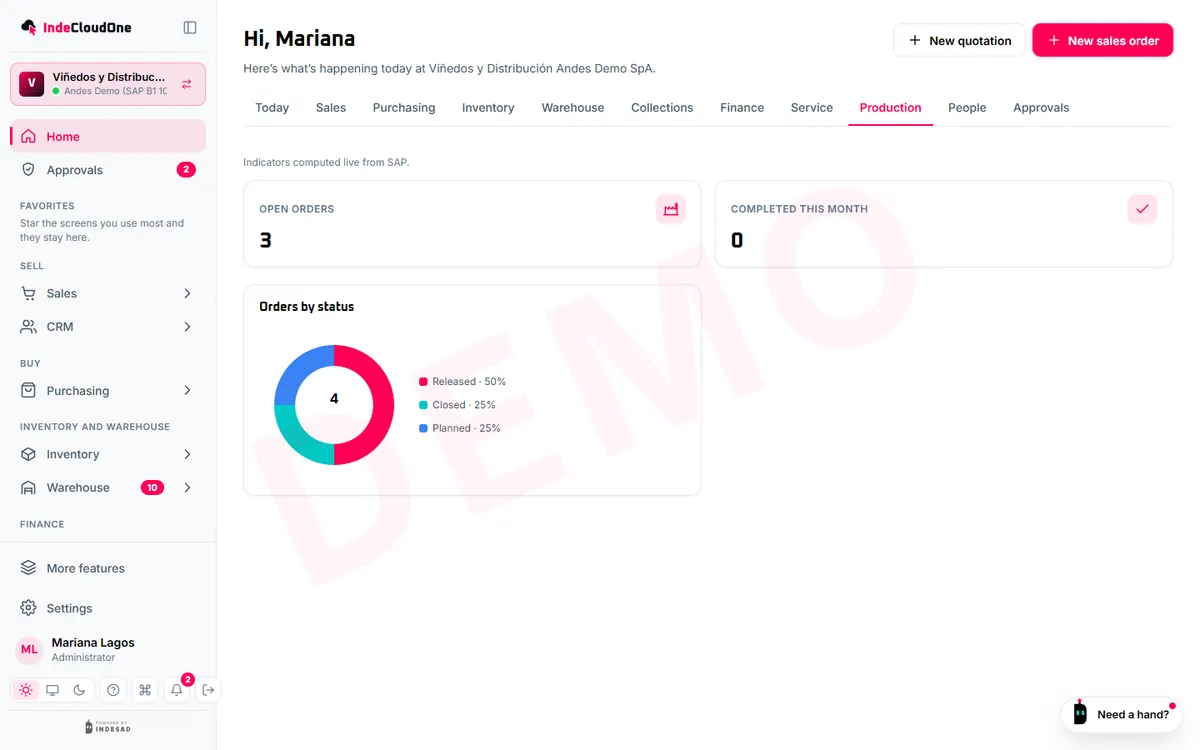
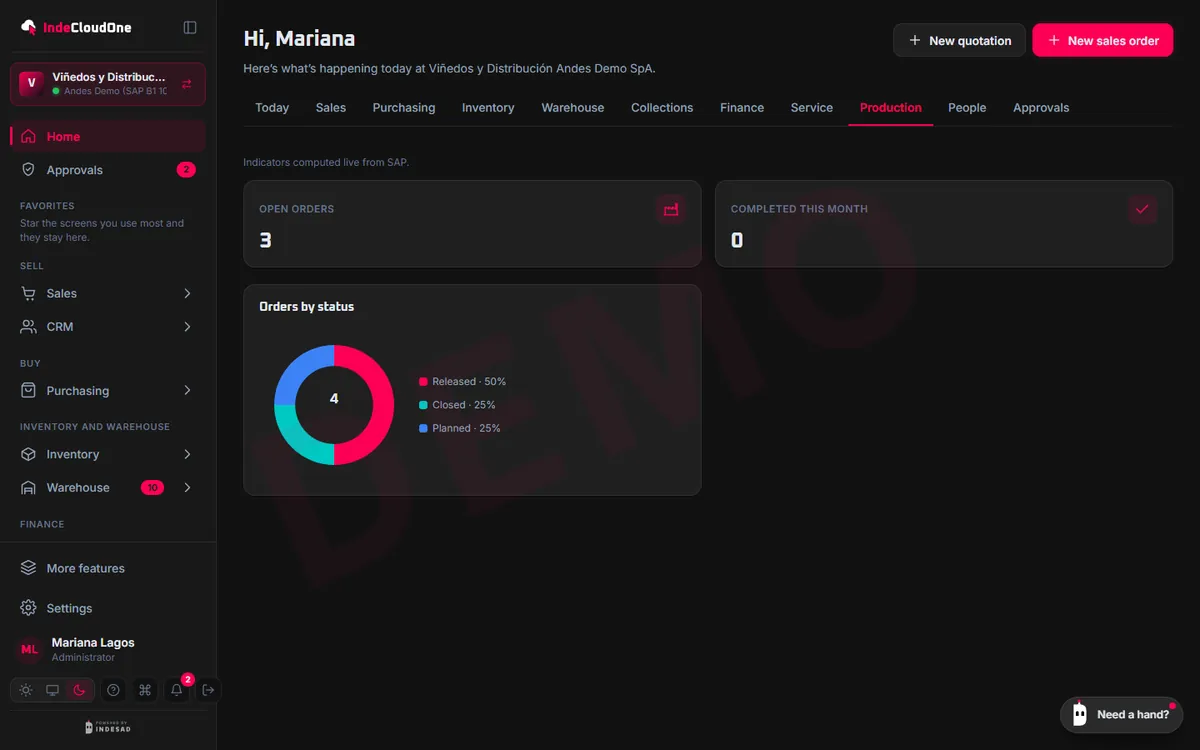
Production in plain sight
- What it does
- SAP production orders, bills of materials and resources, with their progress.
- How it works
- Release and follow orders
- Check bills of materials
- Record shop-floor progress
- Who it is for
- Plant managers and planning.
How it works
From your SAP to your whole team's browser
No data migration and no new ERP: IndeCloudOne works on the SAP Business One you already have.
1Connect your SAP
Through Service Layer or with the IndeCloudOne Agent, which runs on your network and connects out without opening ports.
2Invite your team
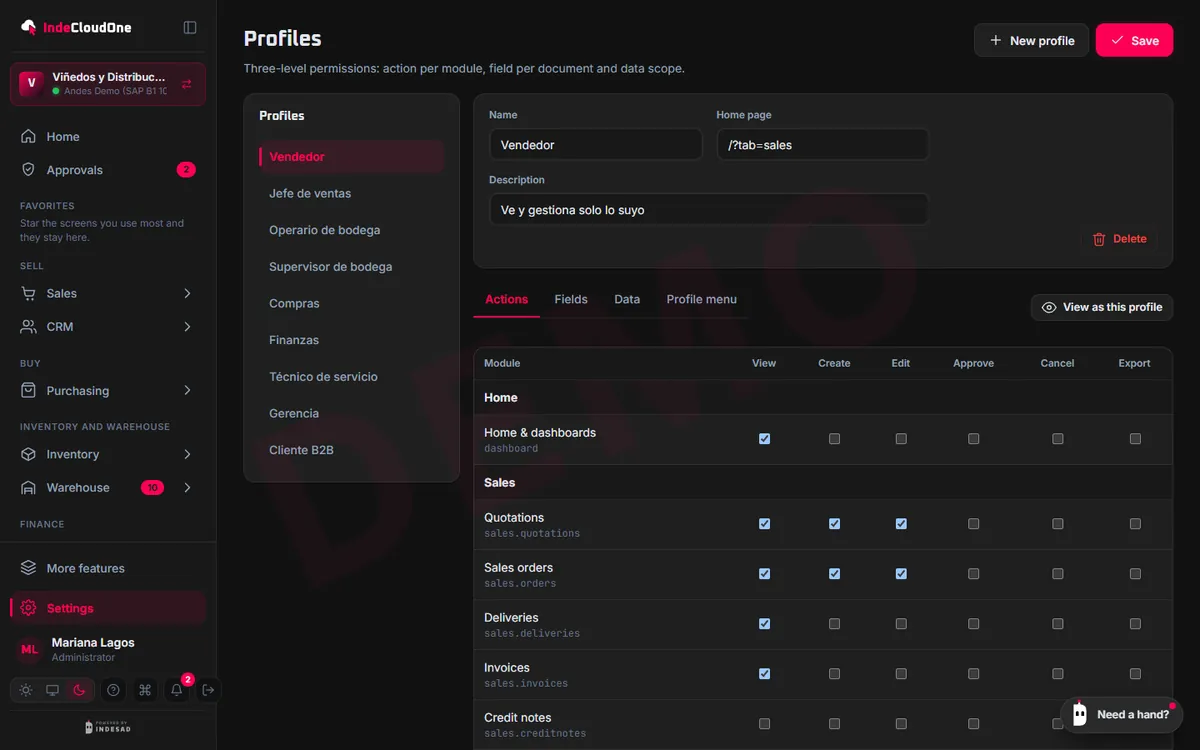
Everyone with their own account, profile and scope: what they see, create and approve.
3Work from any browser
On the desktop, tablet or phone, in Spanish, English or Portuguese, in light or dark mode.
4Everything lands in SAP and the audit trail
Every document is created in your SAP with its rules, and every action is logged with the person who did it.
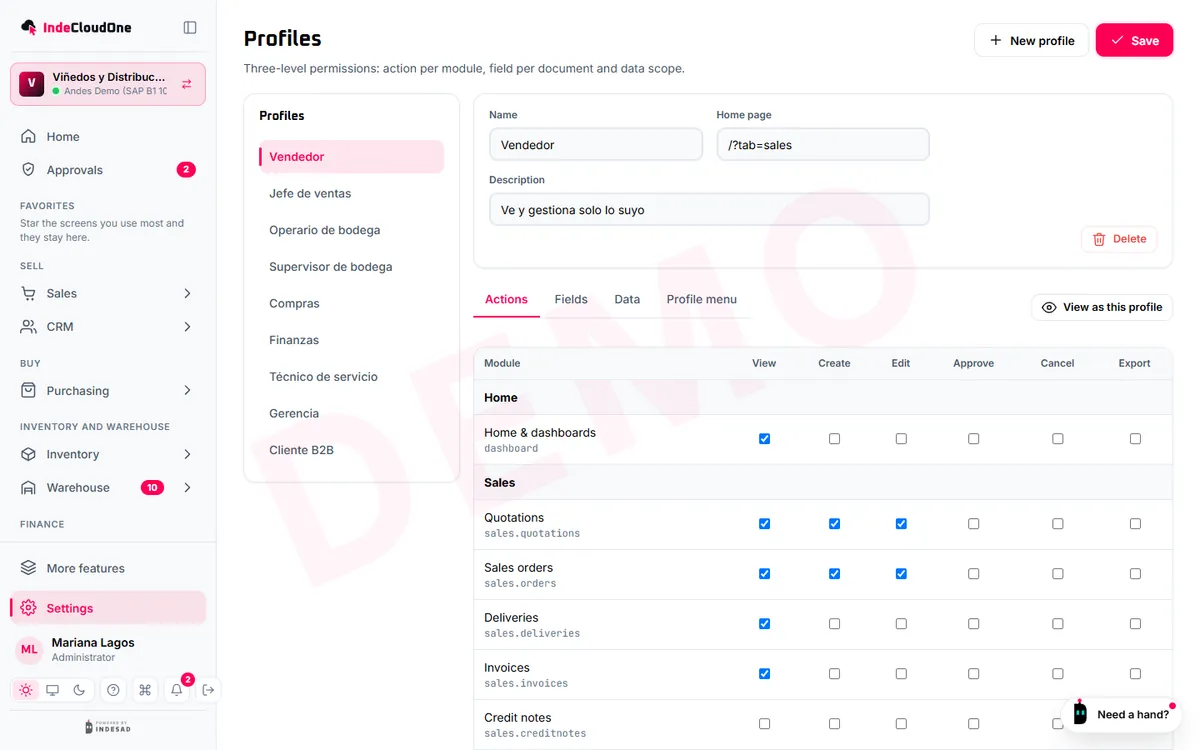
INDESAD runs the onboarding with you; the scope of each plan is under Plans.
Shall we see it with your SAP?
Try the demo now or ask for a guided demo with your own cases.