

AI assistant
Talk to your SAP
Connect your AI assistant to IndeCloudOne and ask your SAP the way you would ask a colleague. It answers with your data and, if you ask, prepares documents that you confirm.
- Connect the assistant you already useChatGPT, Claude or your editor, from My account, in a couple of minutes.
- It sees only what you seeThe assistant works with your profile: the same customers, documents and permissions you have in the portal.
- Nothing reaches SAP without your yesEvery document is built as a draft and asks for your confirmation before it is created.
It speaks the way your company speaks
If your company calls a quotation an "order" or a service call a "ticket", the assistant understands it and answers with those same words.
Works withChatGPTClaudeGeminiCursorVS Code
Who are my best customers this year?
These are the top three by net sales since January:
- Restaurante Brasa y Leña SpA · CLP 6,564,360
- Hotel Costanera Sur S.A. · CLP 5,872,239
- Supermercados Del Valle S.A. · CLP 5,552,342
Quote 2 wine aerators for Andean Wines Import.
I prepared the draft. Shall I create it in SAP?
- Sales quotation · Andean Wines Import LLC
- 2 × Wine aerator
- Total USD 25.56
Yes, create it.
Done: quotation 275 is in SAP and you can already see it in the portal.
A real conversation with the demo: the sales rep talks to her assistant and the assistant uses IndeCloudOne.
Want to see the tools one by one? Developer documentation
Connect it in three steps
Open My account › AI assistants
You will find the IndeCloudOne address and the steps for each assistant.
Authorize access
Sign in and approve the assistant, or use a personal token you can revoke whenever you want.
Ask
"Which sales orders are open?", "How many aerators are left in stock?", "Quote this for this customer."
Your company stays in control
Switched on per company
The administrator decides whether it is used and by whom, from Settings › AI assistants.
Everything is in the audit trail
Every assistant action shows the person and an "by AI assistant" mark.
Usage in plain view
The plan sets the month's calls and the company sees usage per person.
No access to settings
Users, profiles and rules cannot be changed through the assistant: that is done in the portal.
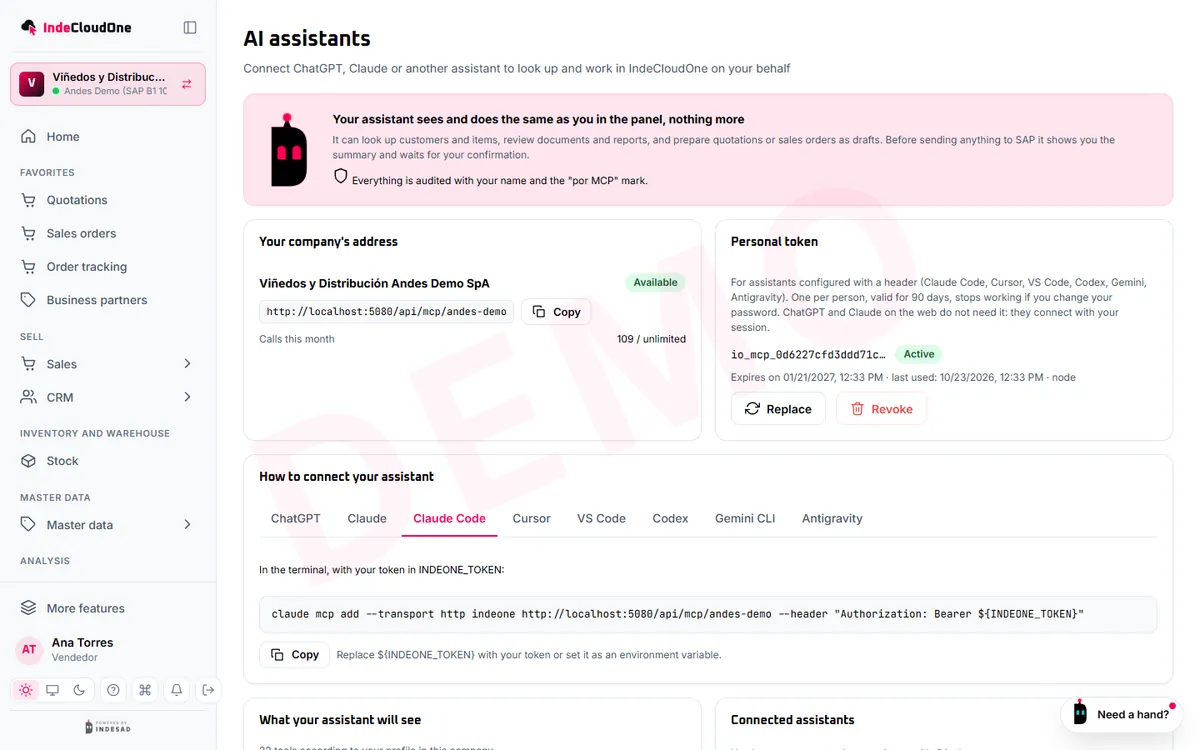
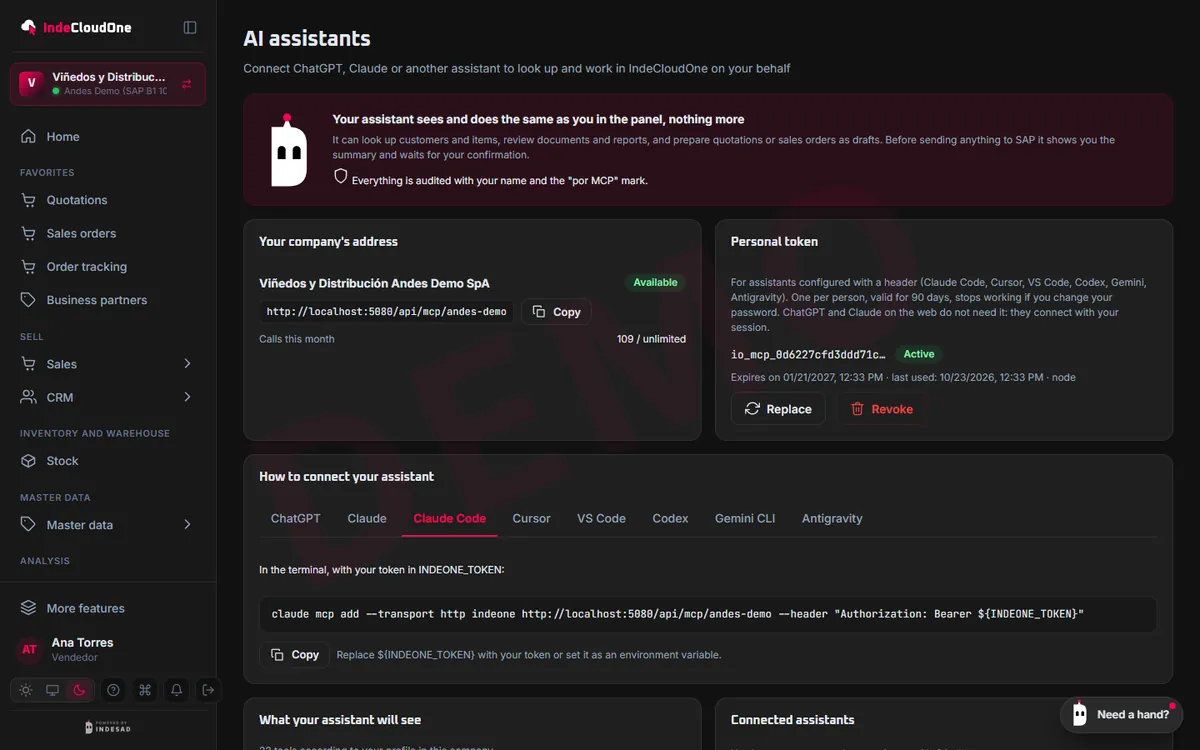
My account
Everyone connects their own assistant
- What it does
- The AI assistants page shows the IndeCloudOne address, the steps for each assistant and the tools your profile allows.
- How it works
- Copy the address and follow your assistant's steps
- See what it can read and what it can create
- Revoke access whenever you want
- Who it is for
- Anyone in the company once the feature is on.
Settings
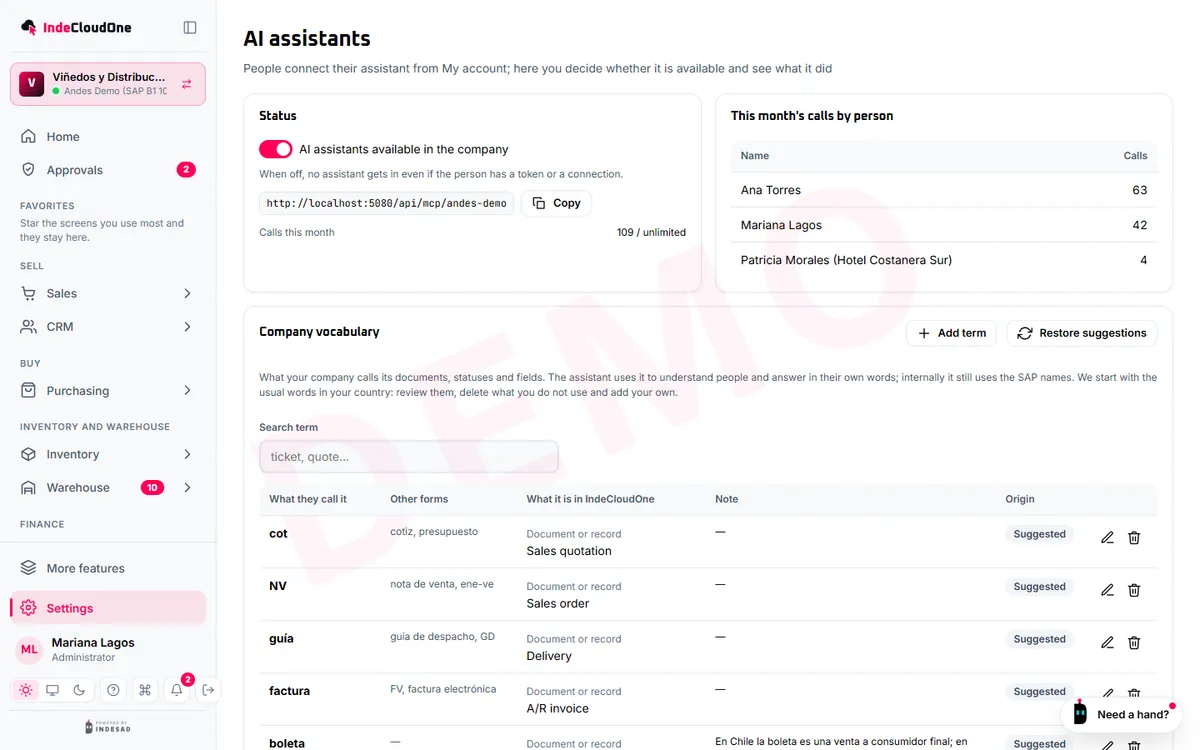
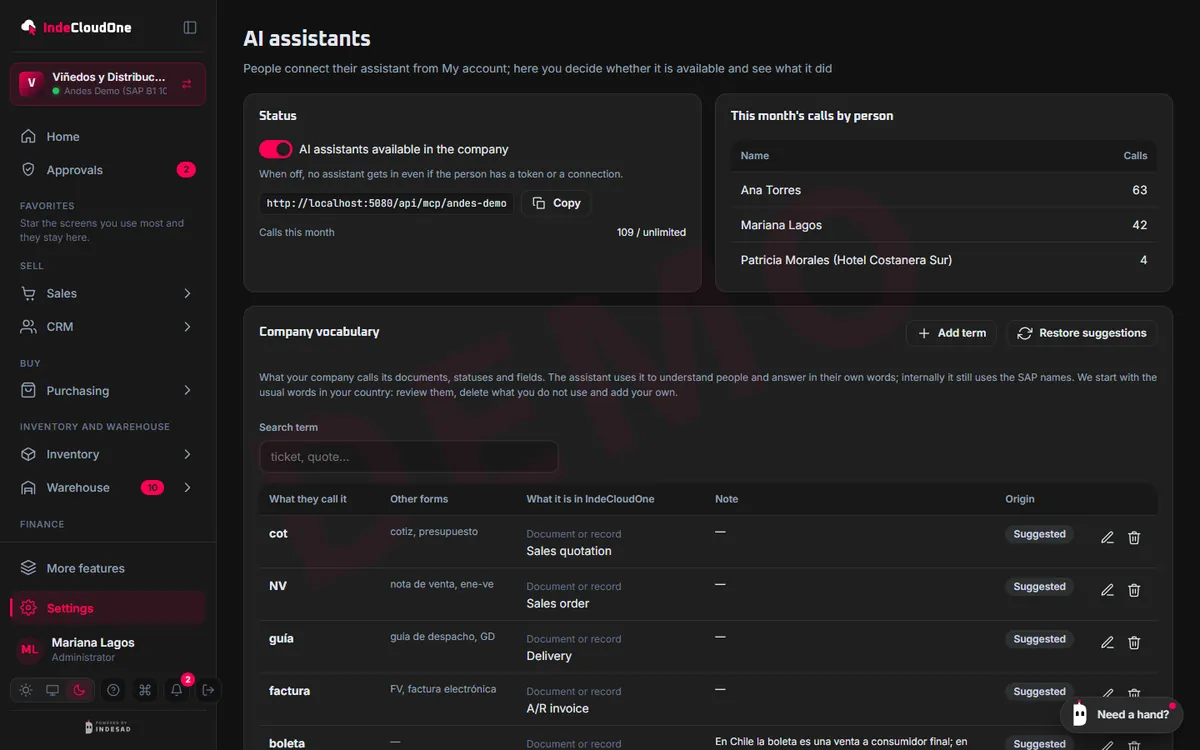
The administrator sees what each assistant did
- What it does
- On/off per company, usage per person, what the assistants created and the company's vocabulary.
- How it works
- Turn the feature on or off
- Check the month's usage
- Define what things are called in your company
- Who it is for
- Company administrators.


Shall we see it with your SAP?
Try the demo now or ask for a guided demo with your own cases.