The people in the demo
Each one signs in with their profile: the menu, data and permissions of their role.


Public demo
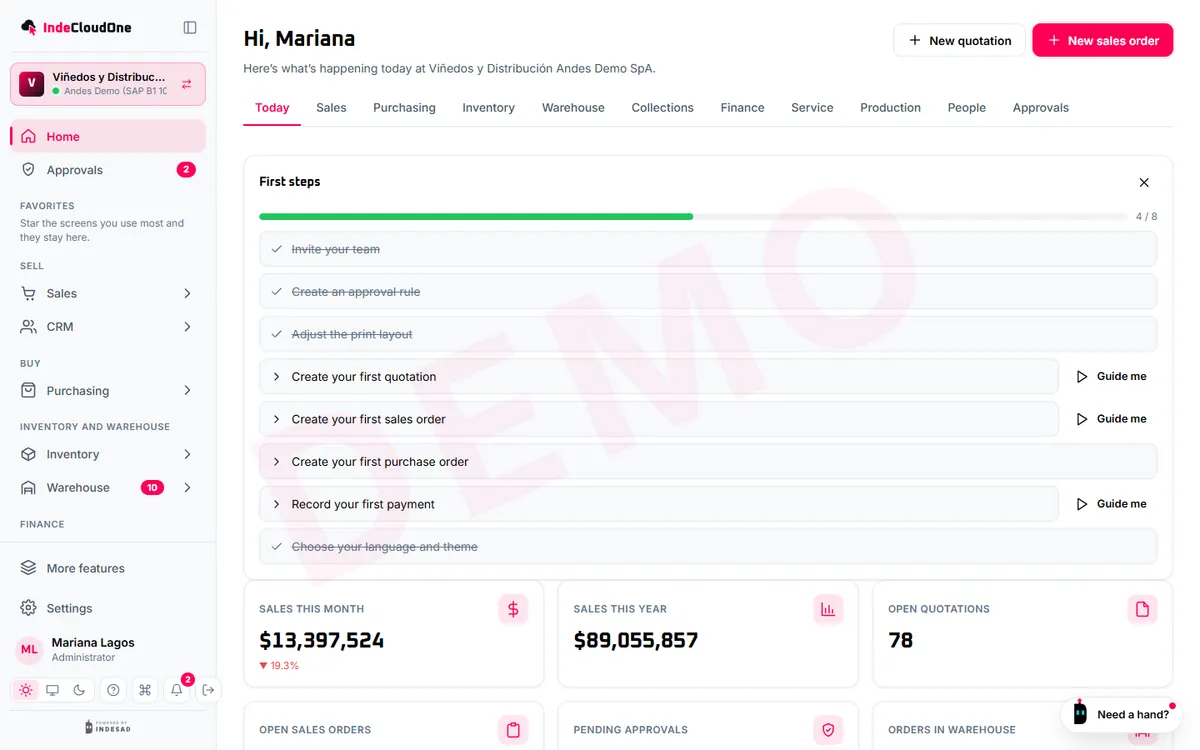
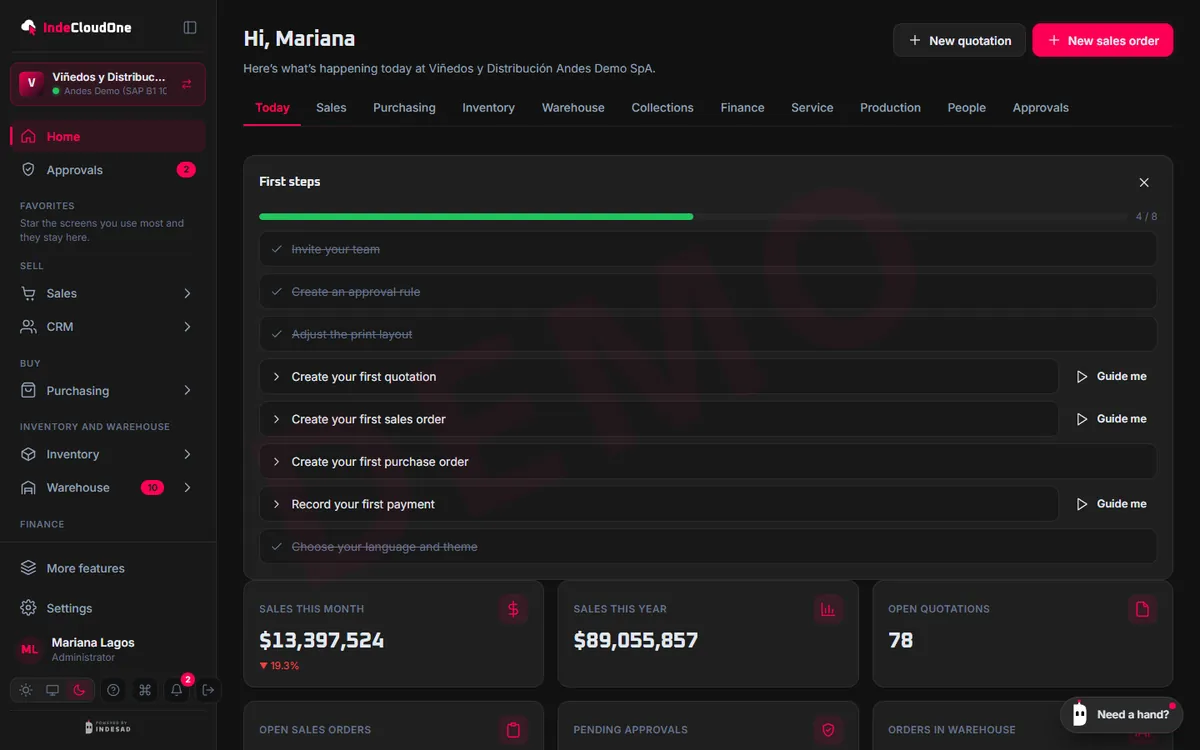
Step into a fictitious company that sells wine and accessories, with a demo SAP, and explore IndeCloudOne as whoever you like.


Sales rep, sales manager, warehouse, purchasing, finance, technician, administrator or B2B customer.
Viñedos y Distribución Andes Demo SpA: made-up customers, items and documents.
Create, approve and delete whatever you want: the next day everything starts over.
Each one signs in with their profile: the menu, data and permissions of their role.
As a sales rep, build a quotation and turn it into a sales order.
As the sales manager, approve the discount that held it.
Open the demo on your phone as a warehouse worker and do the picking.
Try the demo now or ask for a guided demo with your own cases.
INDESAD's web portal for SAP Business One: one license, your whole team and the same data as your SAP.
Checking status…